
A useful digital nomad security and backup system protects four things: devices, accounts, network sessions, and files. It also assumes one of them will eventually become unavailable.
Start with employer and client rules. Then reduce common risks, place recovery methods outside the device they recover, and test one account recovery and one file restore before travel. A VPN subscription alone is not a security plan.
Affiliate disclosure: No affiliate links are active in this guide. If commercial links are added later, Capable Nomad may earn a commission at no added cost to the reader. Inclusion must remain based on current security, compatibility, recovery, and policy criteria—not commission availability.
Use a four-layer recovery model
| Layer | Protect | Prepare to recover from |
|---|---|---|
| Device | Laptop, phone, local storage, active sessions | Loss, theft, damage, failed update, inaccessible encryption key |
| Account | Email, password manager, work identity, finance, cloud tools | Phishing, lost authenticator, SIM loss, lockout |
| Network | Data in transit and approved remote access | Rogue network, captive portal, local sharing, VPN failure |
| File | Current work, archives, configuration, records | Deletion, corruption, ransomware, device loss, account failure |
The layers overlap. Losing a phone can remove the mobile connection, multi-factor authentication (MFA), password-manager access, recovery email, and remote-wipe control at once. The system should avoid that concentration where practical.
Begin with policy and consequences
Before choosing tools, answer:
- What data do you handle, and who owns it?
- Which devices, storage providers, networks, VPNs, and countries are approved?
- Who must be notified after loss, suspicious sign-in, or data exposure?
- How quickly must you regain access to email, calendar, files, and customer systems?
- Which account can reset the others?
- What could an unauthorized person see from a locked or unlocked device?
Employer policy outranks a general travel guide. Do not copy work data into a personal cloud account, install an unapproved VPN, bypass device management, or hide a work location to avoid controls.
If you are self-employed, write your own minimum policy. Name the critical accounts, approved storage, notification contacts, and the point at which a lost device becomes an incident rather than an inconvenience.
Layer 1: protect the device before it disappears
A device can be lost while powered off, out of coverage, or already accessed. Prepare controls that do not require perfect remote action.
Apply the baseline
- Use an operating-system-supported device and install security updates promptly.
- Turn on a strong screen lock with a short, workable auto-lock period.
- Enable full-device or full-drive encryption where supported and permitted.
- Store the encryption recovery key somewhere you can reach without the encrypted device.
- Turn on the platform’s locate/lock/erase feature before travel.
- Hide sensitive notification previews on the lock screen.
- Record serial numbers, model, carrier details, and insurer requirements separately.
Microsoft describes BitLocker as protection for data at rest when a drive is accessed offline. Its recovery-key guidance also states that Microsoft cannot recreate a lost recovery key. That is the trade-off: encryption protects the data, while careless key handling can lock out the owner.
The same preparation rule applies to remote device services. Google says Android’s Find Hub must be enabled and the device generally needs power, connectivity, and the relevant account state for locate, secure, or erase actions. Apple says Find My must be enabled before loss to erase a device through Find My.
Remote wipe is useful, but it is not guaranteed to execute immediately. Encryption, a locked screen, current software, and limited local data still matter.
Protect the recovery material too
Do not leave the only disk-recovery key in a file stored solely on that disk. Do not keep the only account-recovery code in the phone that supplies the MFA prompt.
Separate copies by likely failure. That may mean an approved password-manager vault accessible from another trusted device, a printed code stored securely away from the electronics, or an organization-managed recovery system. Follow the provider and employer rules for highly sensitive material.
Layer 2: make accounts harder to steal and possible to recover
Email and the password manager often control the rest of a person’s accounts. Secure them first.
Use unique credentials and MFA
CISA’s core guidance recommends long, unique passwords, a password manager, MFA, phishing awareness, and software updates. A password manager reduces password reuse and makes it easier to use generated credentials.
For important accounts, prefer a phishing-resistant authentication option when supported. NIST’s current digital-identity guidance explains that manually entered one-time passwords are not phishing-resistant because a fraudulent verifier can relay them. Cryptographic methods such as properly implemented WebAuthn/FIDO2 bind authentication to the legitimate service.
That does not make every passkey or hardware key identical. Account recovery, device support, sync behavior, employer requirements, and exportability still differ.
Register a separate recovery path
NIST recommends an alternate authenticator for loss, theft, damage, or compromise. Depending on the service and policy, prepare one or more of these:
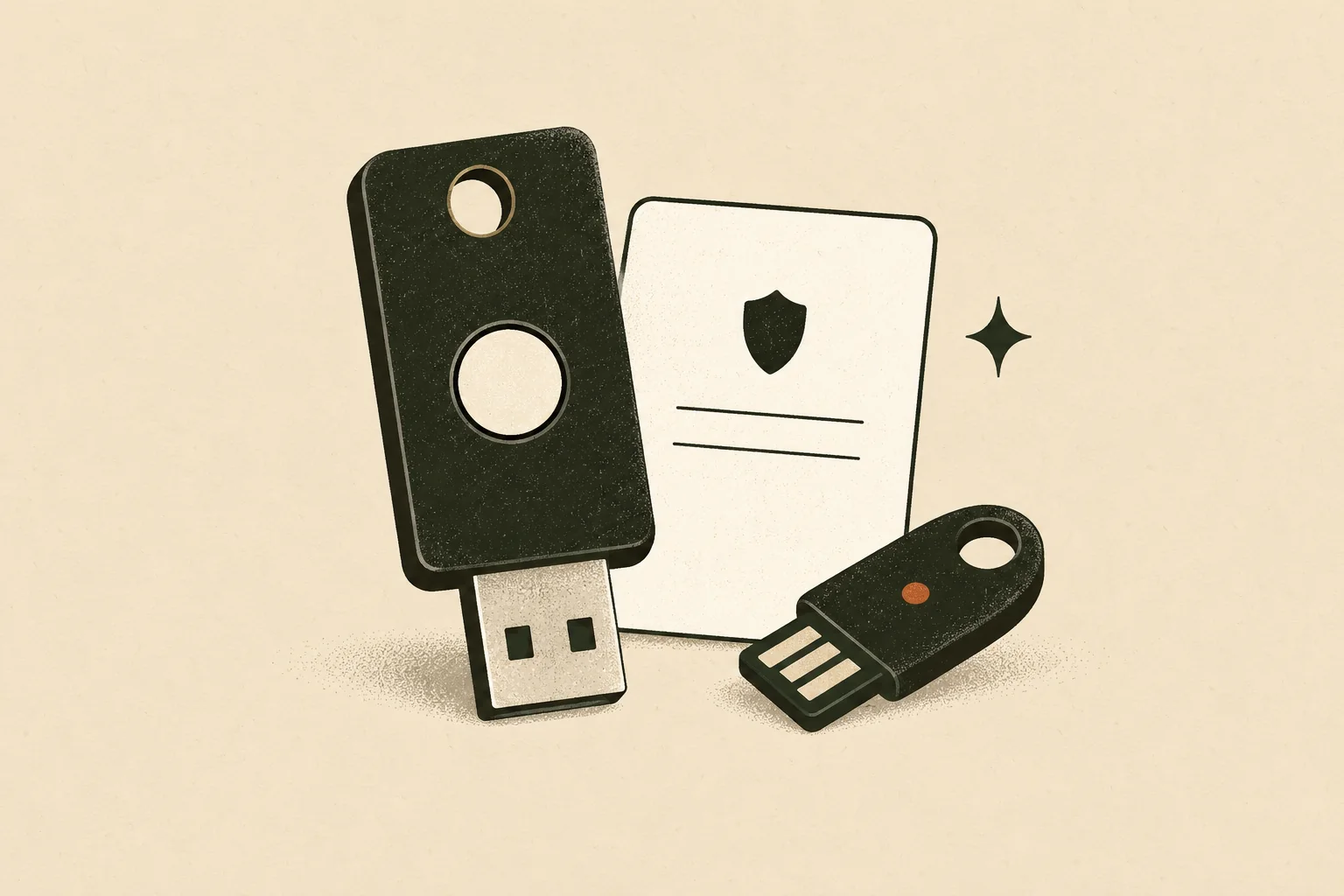
- A second hardware security key stored separately.
- Provider-issued one-time recovery codes stored offline and protected.
- A second approved device with access to a synced authenticator.
- An organization support or identity-recovery procedure.
- A recovery contact that has been verified and documented.
Do not treat SMS as the universal answer. It can be the available fallback for some services, but travel can interrupt the number, SIM, roaming, or device. Use the strongest supported primary method and a recovery route that survives loss of the phone.
Test without locking yourself out
From a separate trusted device:
- Confirm that you know the account name and recovery URL.
- Verify one alternate authenticator or recovery-code flow.
- Confirm that replacing a code set invalidates the old set where the provider says it should.
- Record the provider’s incident and support route.
- Stop if the test could violate employer policy or disable the production account.
Layer 3: use unfamiliar networks with proportionate care
Public Wi-Fi is not automatically a breach. The U.S. Federal Trade Commission notes that widespread HTTPS makes hotspots generally safer than they were when websites commonly sent unencrypted traffic. Risks remain: a look-alike network, certificate warning, exposed local service, malicious download, weak device posture, or visible confidential work.
Use this checklist:
- Confirm the network name and login process with staff.
- Keep the browser, operating system, and security tools current.
- Heed certificate and browser security warnings.
- Disable local file sharing and automatic connection to unknown networks.
- Use employer-approved secure access exactly as required.
- Prefer a trusted mobile connection for especially sensitive work when practical.
- Lock the screen whenever you step away and control sightlines for confidential material.
A consumer VPN encrypts traffic to its VPN endpoint. It does not fix an infected laptop, weak password, phishing page, exposed screen, unapproved work location, or compromised account. It may also conflict with a captive portal or add latency.
A travel router can isolate your devices from some local-network behavior and simplify repeated setup. It still uses the upstream network and must be configured, updated, powered, and tested. Neither tool deserves a blanket recommendation.
Layer 4: make files restorable, not merely synchronized
Synchronization helps keep files available across devices. It can also propagate deletion or unwanted changes. A recovery system needs version history or separate copies, appropriate isolation, and a tested restore.
NIST’s backup guidance emphasizes planning, maintaining, and testing backups. Its ransomware guidance also recommends isolating backups so destructive events cannot readily spread to them.
For a travelling professional, define:
- Scope: the work, configuration, records, and personal files that must be recoverable.
- Recovery point: how much recent work you can afford to lose.
- Recovery time: how long restoration can take before the workday fails.
- Destinations: approved local, removable, or cloud locations with separate failure characteristics.
- Encryption and keys: who controls access and how recovery works from another device.
- Versioning/retention: whether earlier and deleted versions remain available long enough.
- Restore test: a recurring test using a representative file and documented result.
Do not copy regulated, confidential, or employer-owned data to personal storage for the sake of redundancy. Ask the data owner or administrator for an approved recovery method.
A simple restore test
- Select a non-sensitive file representative of the real workload.
- Modify or delete the working copy according to the test plan.
- Restore it to a separate location from the intended backup/version system.
- Open it and check that the content is usable.
- Record the recovery time, account dependencies, and any missing steps.
A green “synced” icon is not the result. An opened, usable restored file is.
Prepare a lost-device response card
Store the card somewhere available without the missing device. Do not include secrets that would create a new exposure if the card is found.
Immediate sequence
- Protect personal safety. Do not confront a suspected thief. Contact local authorities when appropriate.
- Notify the organization. Follow employer/client incident procedures before improvising account changes.
- Locate or lock the device. Use the prepared platform service from a trusted device.
- Revoke critical sessions. Prioritize primary email, password manager, work identity, finance, and cloud storage according to policy.
- Contact the carrier. Suspend or replace a lost SIM/eSIM and protect the phone number from misuse.
- Decide on remote erase. Follow organizational and platform guidance; understand that erasure can affect future location or evidence.
- Change exposed credentials. Focus on credentials that may have been accessible, not indiscriminate changes from an untrusted device.
- Document the event. Record time, device, accounts, actions, report numbers, and insurer details.
The exact order may change under employer policy. The purpose of the card is to prevent forgotten contacts and panicked sign-ins on an unsafe borrowed device.
Run two separate-device tests before travel
The complete system should pass two tests:
Account recovery test
Use a separate trusted device to confirm that one critical account can be accessed through an approved alternate authenticator or documented recovery flow. Do not disable a working method without confirming the replacement.
File restore test
Restore a representative file to a different location and open it. Confirm that the encryption key, account, software, and network dependencies are available without the primary device.
If either test depends on the phone or laptop you are pretending to have lost, the recovery path needs revision.
What security tools cannot promise
No product makes remote work risk-free.
- Encryption does not protect an unlocked session.
- Remote wipe may wait for connectivity and can be too late.
- MFA does not prevent every session theft, malicious recovery flow, or social-engineering attack.
- A VPN does not validate the website, user, device, or work location.
- A backup does not help until it can be restored with available credentials and software.
- A security key does not recover a service that lacks a usable alternate path.
Choose tools for a named risk and test the recovery consequence.
Frequently asked questions
Do digital nomads need a VPN?
It depends on employer policy, the applications in use, and the network threat model. An employer-managed VPN may be required. A consumer VPN can protect traffic to its endpoint but does not replace HTTPS, device updates, MFA, endpoint security, or policy approval.
Are public Wi-Fi networks safe?
Modern HTTPS protects much web traffic in transit, so the answer is more nuanced than “never connect.” Verify the network, keep the device current, heed security warnings, disable local sharing, follow work policy, and use mobile data for higher-risk tasks when practical.
Should I carry two hardware security keys?
Two separately stored keys can provide a useful recovery path when an important service supports them and policy allows it. Confirm service/device compatibility and register/test both. A second unregistered key is only spare hardware.
Is cloud sync a backup?
It can contribute to recovery when it offers suitable version history, retention, and restore access. Synchronization alone is not proof. Test whether you can recover a deleted or damaged file after loss of the primary device or account path.
Where should I keep recovery codes?
Keep them somewhere protected and available without the authenticator they recover, following provider and employer guidance. Do not expose them in ordinary notes, screenshots, or an unencrypted file on the same device.
Recovery is the real test
Protect the device, strengthen the accounts, use networks carefully, and maintain restorable files. Then test from somewhere other than the primary phone or laptop.
The useful security question is not only “How hard is this to steal?” It is also “Can I regain safe, policy-compliant access when the primary path disappears?”
Sources
- NIST SP 800-63B-4 authenticator guidance — final published July 31, 2025; accessed October 13, 2026.
- CISA Secure Our World resources — accessed October 13, 2026.
- FTC public Wi-Fi guidance — published February 2023; accessed October 13, 2026.
- NIST NCCoE backup planning and testing guide — published April 24, 2020; accessed October 13, 2026.
- NIST ransomware recovery tips — updated February 3, 2025; accessed October 13, 2026.
- Microsoft BitLocker overview and recovery-key guidance — accessed October 13, 2026.
- Google Android Find Hub preparation and recovery — accessed October 13, 2026.
- Apple Find My remote-erase guidance — accessed October 13, 2026.